
PRIVACY BY DESIGN
Accountability Without Unnecessary Surveillance
Kelsor Verify is designed to capture what is needed to verify relevant work events — not to watch workers unnecessarily.
Field workforce control can include attendance, location, safety requirements and verifiable records while still applying data minimization, purpose limitation, transparent corrections, restricted access and integrity controls for critical workforce events.
- Event-based location
- Data minimization
- Fair, traceable records
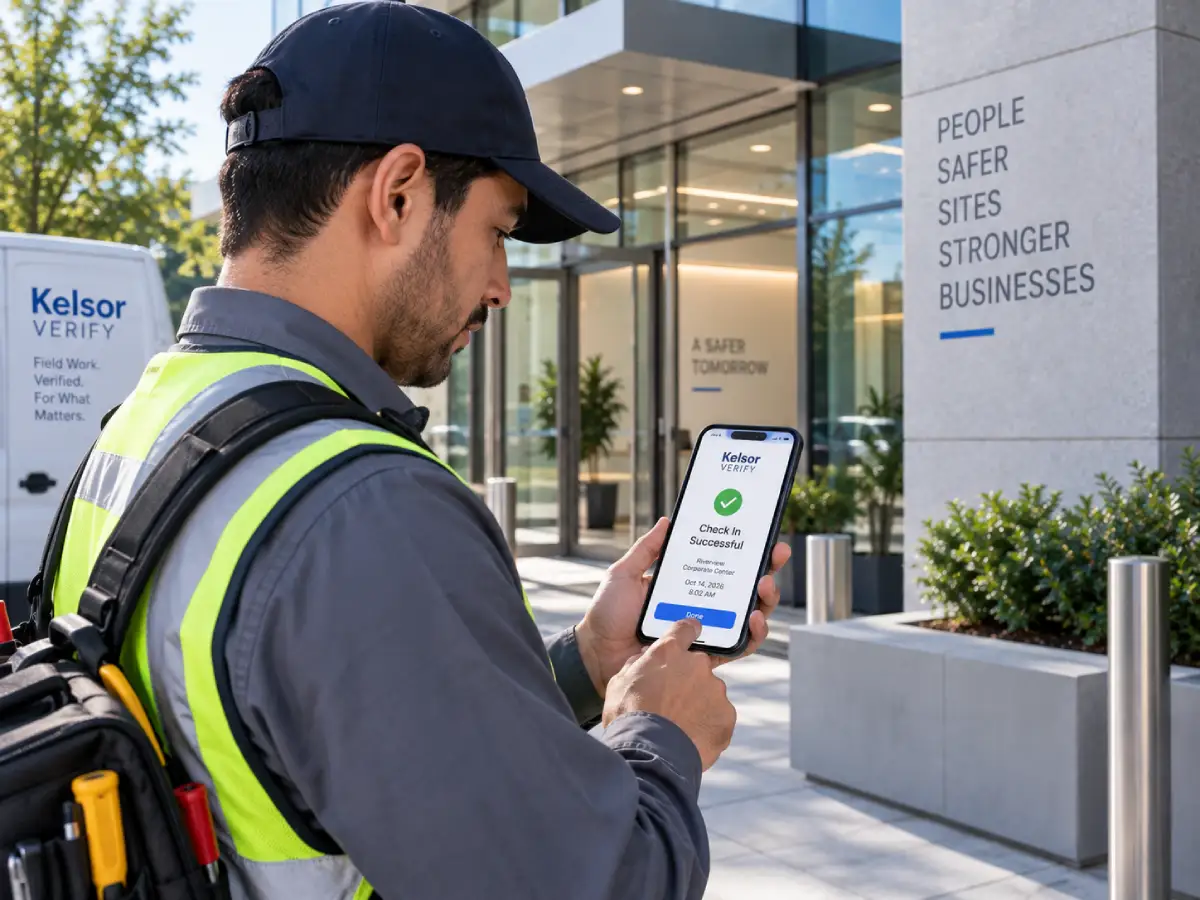
OUR PUBLIC PRIVACY PRINCIPLE
“Capture what is needed to verify the event — not to watch the worker unnecessarily.”
Kelsor Verify is employer-focused, employee-respectful and evidence-driven. The goal is to create clearer operational records without turning ordinary workforce management into continuous surveillance.
PURPOSE BEFORE COLLECTION
Collect the information that serves a defined work purpose
Different capabilities use different data. Kelsor Verify is designed so optional information is requested only when the capability is licensed, enabled and applicable under company policy.
ATTENDANCE
Work time and attendance events
Clock In, Clock Out, schedules, assignments, missing punches and relevant corrections can create the operational record of when work was expected and recorded.
LOCATION
Location when the work event requires it
GPS or geofence results can be associated with relevant work events when the organization’s policy requires location verification.
PHOTO VERIFICATION
Configurable evidence without automatic facial recognition
Photo verification can be used where configured and appropriate. The initial product design does not depend on facial recognition or automatic biometric identification.
SAFETY & AUTHORIZATION
Requirements tied to the work context
Qualifications, certifications, Safety Gate content and functional pre-shift questions can be used to determine whether work requirements are satisfied.
DEVICE CONTEXT
Device information only where the control needs it
Device-related signals can support configured trust or workflow controls without turning the platform into a generalized employee device-monitoring product.
AUDIT CONTEXT
Preserve who changed critical information
Relevant administrative actions can preserve actor, timestamp, original value, new value and reason where applicable.
LOCATION WHEN IT MATTERS
Verify a work event without making 24/7 tracking the default
Location can provide valuable operational context when a worker starts or ends work, attempts an authorized action or completes another configured event.
Kelsor Verify is designed around event-based location verification. When location is required, the employee experience should explain why it is being requested for that event.
- GPS associated with relevant work events
- Geofence evaluation when enabled by policy
- No continuous 24/7 location tracking by default
- Location exceptions remain reviewable
- Policy determines when location participates
Kelsor Verify uses your location to confirm the authorized Site for this event. Continuous tracking is not active.
Continue to Clock In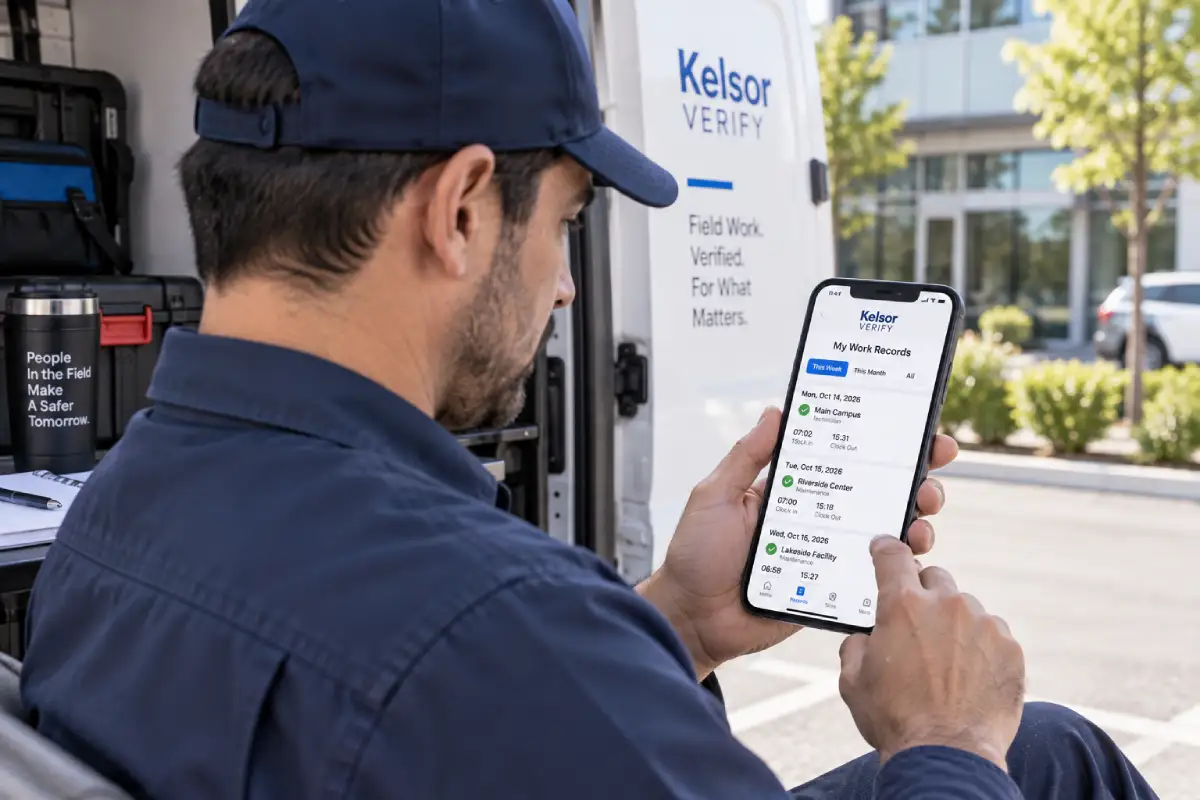
FAIR RECORDS
Transparency should apply to corrections as well as collection
A reliable workforce record should not silently change after the fact. Critical corrections are designed to preserve the historical context needed to understand what was originally recorded, what was changed later, who made the change and why where applicable.
The employee experience is also designed to provide appropriate visibility into the worker’s own schedule, attendance events, relevant corrections and authorization status where policy allows.
TRANSPARENT WORKFLOWS
When sensitive controls apply, the notice matters too
When GPS, photography, device controls, Safety Gate or another configured treatment requires a notice or acknowledgement, Kelsor Verify is designed to preserve the context of what was shown.
What was shown
Preserve the relevant notice or content associated with the work event.
Which version
Critical notices and safety content can be tied to a specific version.
Which language
The platform can preserve the locale presented to the worker.
When and where applicable
Keep the timestamp and operational context associated with the interaction.
Whether acknowledgement or consent is legally required depends on the jurisdiction, policy and use case. Kelsor Verify provides workflow and recordkeeping capabilities; it does not replace legal advice.
MODULAR BY DESIGN
Optional controls should not become unnecessary data collection
A company that does not use photo verification should not force a photo step into the worker experience. A Site that does not require geofence verification should not add a location check simply because the platform supports one.
The workflow resolves what is licensed, what the organization has enabled and which policy applies to the specific Site, Job, Role or employee context.
VERIFIABLE INTEGRITY
Preserve critical workforce history in a form that can be checked later
Kelsor Verify is designed to preserve materially relevant workforce events with audit history, versioned corrections and tamper-evident integrity controls so supported records can later be reviewed for historical consistency.
From work authorization to Clock In, safety checks, relevant location events and corrections, Kelsor Verify preserves a verifiable history of critical workforce events.
Critical Event
A materially relevant workforce event is recorded — such as authorization, location, safety, attendance, incident or correction.
Audit & Versioning
Relevant changes preserve historical context, including original and corrected values, actor, timestamp and reason where applicable.
Hash Chain
Critical events can be chained through cryptographic hashes so inconsistencies in supported history can be detected later.
Independent Seal
Periodic integrity seals can preserve an independent reference to the state reached by a tenant’s integrity chain.
Evidence & Verification
Supported records can be assembled into an Evidence Package and checked against hashes, chain information and available seals.
WHAT CAN BE INCLUDED
Depending on scope and enabled capabilities, an Evidence Package can include attendance, location, safety, incidents, audit history, integrity references, seals, photos, documents and verification metadata.
WHAT THIS DOES NOT MEAN
Kelsor Verify does not claim that every click is hashed, that records are impossible to manipulate or that verification automatically guarantees legal admissibility.
Critical workforce events are preserved with a verifiable audit trail and tamper-evident integrity controls.
Explore Verifiable RecordsTHREE DIFFERENT TRUST QUESTIONS
Privacy, security and integrity are related — but they are not the same
Kelsor Verify treats each as a separate responsibility so one concept is not used as a substitute for another.
PRIVACY
Should this information be collected and used?
Purpose, minimization, notice, worker expectations and appropriate access are privacy questions.
SECURITY
Who can access the information and how is it protected?
Authentication, authorization, tenant isolation, secure sessions, encryption, backups and rate limits belong to the security layer.
Explore SecurityINTEGRITY
Can the historical consistency of critical records be evaluated?
Audit, versioning, cryptographic hash chains, the Integrity Ledger, independent seals, Evidence Packages and verification help evaluate historical consistency within supported records.
Explore Verifiable RecordsINTENTIONAL BOUNDARIES
More data is not automatically better workforce control
Kelsor Verify is designed to avoid unnecessary collection and surveillance patterns that do not strengthen the operational record.
No 24/7 tracking by default
Location verification is designed around relevant work events, not permanent tracking as the standard model.
No facial recognition in the initial design
Photo evidence does not require automatic facial recognition or biometric identification.
No broad medical profiling
Safety workflows should prefer functional, task-related questions rather than unnecessarily broad medical information.
No hidden correction history
Critical record changes should preserve relevant historical context instead of silently replacing the original.
DATA PRACTICES
Trust depends on how information is handled across its lifecycle
Kelsor Verify applies privacy and security principles throughout the workflow rather than treating privacy as a single checkbox.
Collect
Request information for a defined operational purpose.
Use
Apply it only within the configured work context and permissions.
Restrict
Limit access according to roles, tenant boundaries and authorization.
Preserve
Maintain required history, versioning and integrity references for materially relevant workforce events.
Govern
Apply retention, access and disclosure rules appropriate to the use case.
Specific retention periods, legal obligations and employee-notice requirements can vary by customer, jurisdiction, plan and use case.
FREQUENTLY ASKED QUESTIONS
Workforce privacy and trust FAQ
Does Kelsor Verify track employees all day?
Continuous 24/7 location tracking is not active by default. Kelsor Verify is designed around event-based verification, so location can be requested for a relevant work event when company policy requires it.
When does Kelsor Verify use GPS?
GPS can be used for relevant work events such as Clock In, Clock Out or another configured action when the Location capability is licensed, enabled and applicable under company policy.
Does every employee have to provide location?
No. Location is a configurable capability. A worker should encounter a location check only when that control is available, enabled and applicable to the relevant work context.
Does Kelsor Verify use facial recognition?
Facial recognition is not part of the initial product design. Photo verification can exist as configurable evidence without automatic biometric identification.
Can workers see their own workforce records?
The employee experience is designed to provide appropriate visibility into a worker’s own schedule, attendance events, relevant corrections and authorization status where the applicable policy permits it.
What happens when a time record is corrected?
Critical corrections are designed to preserve the original value, the new value, actor, timestamp and reason where applicable rather than silently replacing the historical record.
Does Kelsor Verify record privacy notices or acknowledgements?
When a configured workflow requires a notice or acknowledgement, Kelsor Verify is designed to preserve relevant information such as the notice version, language, date and work context that were shown. Legal requirements vary by jurisdiction and use case.
Is privacy the same as security?
No. Privacy concerns whether information should be collected and how it should be used. Security concerns how systems and data are protected. Integrity concerns whether the historical consistency of supported records can be evaluated.
What makes Kelsor Verify workforce records verifiable?
Kelsor Verify is designed to preserve critical workforce events with audit history, versioned corrections and tamper-evident integrity controls. Material events can be chained through cryptographic hashes, supported by independent integrity seals and later included in Evidence Packages for scoped verification. These controls apply to relevant workforce events and corrections, not to every click or page view.
Are Kelsor Verify records impossible to manipulate?
No system should be described that way. Kelsor Verify uses tamper-evident controls, versioning and integrity mechanisms designed to help detect historical inconsistencies and support verifiable records.
Does Kelsor Verify guarantee legal compliance?
No. Kelsor Verify provides configurable operational, privacy and recordkeeping capabilities, but legal requirements vary by jurisdiction and use case. Organizations remain responsible for evaluating their policies and legal obligations.
VERIFIED WORK. FAIR RECORDS.
Build workforce accountability with privacy in the design.
See how Kelsor Verify can provide clearer operational records while keeping data collection purposeful, configurable and transparent — with verifiable integrity for critical workforce history.