
SECURE BY DESIGN
Security Built Into Workforce Operations
Kelsor Verify is designed to protect workforce data with layered controls across identity, tenant isolation, authorization, data storage, application security, backups and auditability. Security protects access and operation; integrity is handled separately to preserve historical consistency.
Security is structural. Core protections are not optional add-ons that a customer can disable to simplify a workflow or lower a plan.
- Multi-tenant isolation
- Least-privilege access
- Backups & recovery
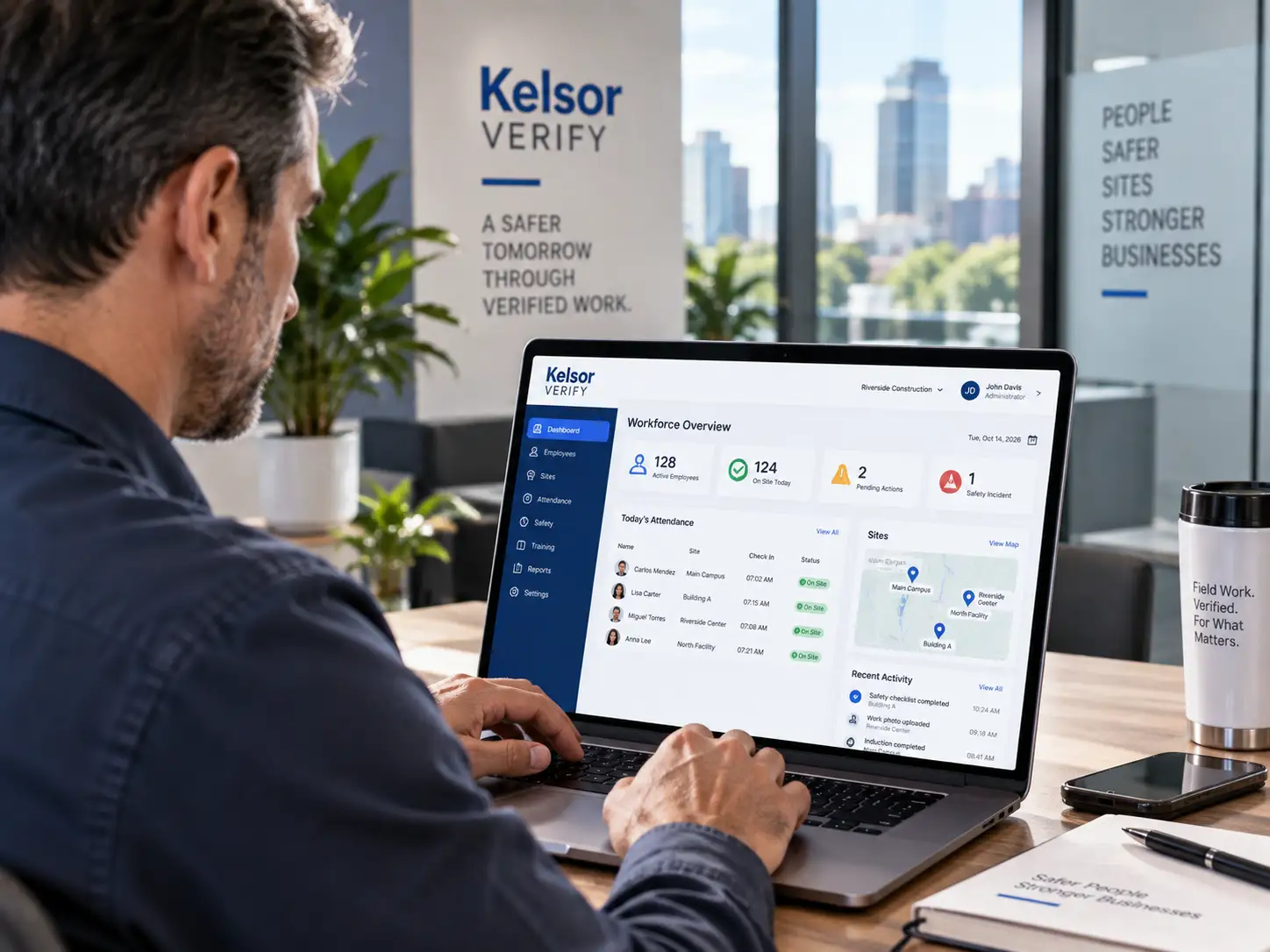
SECURITY IS NOT AN ADD-ON
Structural protections stay on even when optional modules do not
Kelsor Verify is modular for business capabilities, but foundational security is different. Tenant isolation, authorization, core audit, encryption where applicable, backups, secure sessions and rate limiting belong to the platform’s security baseline.
DEFENSE IN DEPTH
Security controls across the platform, not at a single perimeter
Kelsor Verify is designed so protection is applied across identities, requests, tenant context, data access, storage, evidence and operational recovery.
IDENTITY
Authentication and administrator MFA
Administrative access is designed to require stronger authentication, including MFA for administrative roles, with session controls appropriate to risk.
- Administrator MFA
- Secure authentication flows
- Session expiration
- Reauthentication where risk requires it
AUTHORIZATION
RBAC and least-privilege access
Users should see and act only on the information their authorized role and tenant context permit.
- Role-based access control
- Least-privilege permissions
- Server-side authorization
- Restricted administrative actions
TENANT ISOLATION
Organization boundaries at multiple layers
Tenant context is designed to be preserved and validated across application logic, database access, object storage, APIs, workers and other tenant-scoped components.
- Tenant-scoped data model
- Application authorization barrier
- Database-level isolation strategy
- Tenant-aware storage and background work
DATA PROTECTION
Encryption and controlled storage
Production architecture requires modern TLS and encryption at rest for databases, backups and object storage where applicable.
- TLS for network traffic
- Encryption at rest where applicable
- Evidence outside the operational database
- Secrets kept outside public repositories
APPLICATION SECURITY
Validation, rate limits and secure uploads
Web and API surfaces are designed with systematic request validation and controls that reduce common abuse paths.
- Input validation
- CSRF/XSS protections
- Rate limiting for sensitive surfaces
- Upload type, size and authorization checks
AUDITABILITY
Critical administrative actions remain reviewable
Security is stronger when important actions leave context that can be reviewed rather than disappearing after execution.
- Core audit always active
- Actor and timestamp context
- Versioned critical corrections
- Restricted technical/security logging
MULTI-TENANT BY DESIGN
One SaaS platform does not mean one shared trust boundary
In a multi-tenant SaaS, the most important security question is not simply whether a user is logged in. The system must also resolve which organization the request belongs to and whether the user is authorized to act in that tenant.
Kelsor Verify’s architecture is designed around explicit tenant context and defense in depth rather than trusting a single application check.
- Every tenant-scoped record belongs to an organization context
- Server-side tenant resolution before data access
- Database isolation as an additional barrier
- Tenant context preserved in workers, storage and APIs
- Isolation validated through dedicated security tests
Illustrative security model. Production implementation and validation follow the approved architecture and security testing process.
IDENTITY & ACCESS
Authentication starts the session. Authorization governs the work.
Kelsor Verify separates identity from permission. A valid login does not automatically grant access to every organization, module, Site, Job, record or administrative action.
Authenticate
Verify the user’s identity using the permitted authentication flow.
Resolve Tenant
Determine the organization context for the requested operation.
Authorize Role
Apply RBAC and least-privilege permissions on the server.
Apply Policy
Evaluate relevant Site, Job, Role and capability conditions.
Audit Critical Action
Preserve context for security-relevant administrative actions.
Operational Database
Tenants, users, employees, Sites, Jobs, schedules, attendance, policies and application metadata.
Evidence Object Storage
Photos, documents, PDFs and packages stored outside the operational database with tenant-aware access controls.
Independent Seal Storage
Integrity seals are designed to use credentials and storage independent from the ordinary operational path.
SEPARATION OF CONCERNS
Operational data, evidence and integrity do not serve the same purpose
Kelsor Verify separates operational records from evidence objects and integrity references so that each layer can have its own access, retention, recovery and verification controls. Security controls who can reach those layers; integrity controls help evaluate whether supported historical records remain consistent.
This separation also keeps the public WordPress marketing site apart from the SaaS surfaces that handle operational workforce information.
- Public marketing site does not store SaaS workforce data
- Evidence media remains outside the operational database
- Independent seals use separate storage control
- Verification exposes only the authorized scope
SECURITY ≠ INTEGRITY
Security protects access. Integrity protects historical consistency.
These controls reinforce each other, but they solve different problems. Strong authentication and tenant isolation do not prove that a historical workforce record has remained consistent, and cryptographic integrity does not replace access control, encryption or secure operations.
SECURITY
Prevent unauthorized access and reduce operational risk
Security governs who can enter the system, which tenant and records they can access, what actions they can perform and how data and infrastructure are protected.
- Authentication and administrator MFA
- RBAC and least privilege
- Tenant isolation
- Secure sessions and rate limits
- TLS and encryption at rest where applicable
- Backups, recovery and secure operations
INTEGRITY
Make supported historical inconsistencies detectable
Integrity preserves a verifiable history for materially relevant workforce events and corrections. Critical events can be chained through cryptographic hashes, supported by audit history, versioning and independent integrity seals.
- Audit history and versioned corrections
- Tenant-scoped Integrity Ledger
- Cryptographic hash chaining
- Independent integrity seals
- Evidence Packages
- Scoped verification results
What enters integrity: materially relevant workforce events and corrections, not every click, page view or harmless interface action.
What verification means: supported records can be checked for consistency against available hashes, chain information, manifests and seals. It does not mean that every fact is legally proven or automatically admissible.
RESILIENCE & RECOVERY
A backup strategy is only useful if recovery is tested
Security includes availability and recoverability. Kelsor Verify’s production design requires automated backups, encrypted copies, documented restore procedures and periodic restore testing.
Automated Backups
Production data and critical configuration require automated backup processes with defined retention.
Encrypted Copies
Backup copies are designed to be encrypted and separated from the primary runtime where appropriate.
Restore Testing
Recovery procedures should be exercised and documented instead of assuming a backup is usable.
Recovery Runbooks
App, database, object storage, ledger and seal recovery need defined operational procedures.
Backups support recovery from loss or failure. The Integrity Ledger and independent seals support historical consistency and tamper-evident verification. One does not replace the other.
SECURE DEVELOPMENT & OPERATIONS
Production security also depends on how software is built and operated
The security baseline extends beyond runtime authentication to deployment, dependencies, secrets, environments, monitoring and incident response.
Dependency & Secret Scanning
CI/CD should check dependencies and exposed secrets as part of the software delivery process.
Environment Separation
Development, staging and production should not casually share credentials or uncontrolled copies of real workforce datasets.
Monitoring & Logging
Technical and security logging is separated conceptually from marketing analytics and kept under restricted access.
Vulnerability Management
Security findings need a defined process for review, prioritization and remediation.
Incident Response
Production operations require documented response procedures and clear responsibilities for security incidents.
Secure Upload Handling
Evidence uploads require type, size and authorization checks, with malware controls where appropriate.
CLEAR RESPONSIBILITIES
Security protects access. Privacy governs use. Integrity preserves history.
These controls reinforce each other, but Kelsor Verify does not treat them as interchangeable.
SECURITY
Protect systems and authorized access
Authentication, RBAC, tenant isolation, secure sessions, encryption, rate limits, backups and operational security protect who can access and operate the platform.
PRIVACY
Limit collection and use to a defined purpose
Data minimization, event-based location, notice, restricted access and employee-respectful workflows.
Explore Trust & PrivacyINTEGRITY
Protect historical consistency
Audit, versioning, cryptographic hash chains, the tenant-scoped Integrity Ledger, independent seals, Evidence Packages and verification support tamper-evident records.
Explore Verifiable RecordsSECURITY WITHOUT HYPE
Strong controls do not justify absolute security claims
Kelsor Verify communicates security in terms of architecture, controls, testing and risk reduction. No responsible software platform should describe itself as impossible to breach or invulnerable.
Secure by Design · layered controls · tenant isolation · least privilege
Unhackable · 100% secure · invulnerable · impossible to compromise
FREQUENTLY ASKED QUESTIONS
Kelsor Verify security FAQ
Is Kelsor Verify a multi-tenant platform?
Yes. Kelsor Verify is designed as a multi-tenant SaaS platform. Tenant-scoped information belongs to an organization context, and the architecture applies authorization and isolation controls across application, database, storage, API and background processing layers.
Can one customer access another customer’s workforce data?
Cross-tenant access is not an intended platform capability. Kelsor Verify’s security model is designed to validate tenant context and authorization before tenant-scoped data access, with additional isolation controls and dedicated tests to reduce cross-tenant leakage risk.
Does Kelsor Verify support multi-factor authentication?
Administrator MFA is part of the required production security baseline. Authentication and session controls are designed to reflect the risk associated with administrative access.
Does Kelsor Verify use role-based access control?
Yes. The platform architecture uses RBAC and least-privilege principles so permissions can be limited according to authorized role and organizational context.
Is Kelsor Verify traffic encrypted?
Modern TLS is part of the production security requirement for network traffic. Encryption at rest is also required for databases, backups and object storage where applicable.
How does Kelsor Verify protect uploaded photos and documents?
Evidence objects are designed to be stored outside the operational database with tenant-aware authorization. Upload workflows require controls for file type, size and authorization, with malware checks where appropriate.
Does Kelsor Verify back up customer data?
Automated encrypted backups and documented restore testing are part of the production security baseline. Recovery requirements and retention are governed according to the production environment and applicable service commitments.
What is the difference between security and integrity in Kelsor Verify?
Security protects systems, data and authorized access through controls such as authentication, RBAC, tenant isolation, secure sessions, encryption, rate limits and recovery. Integrity addresses a different question: whether the historical consistency of supported workforce records can later be evaluated using audit history, versioned corrections, cryptographic hash chains, independent seals and verification.
Are backups the same as Kelsor Verify integrity controls?
No. Backups support recovery from data loss or system failure. Integrity controls such as versioning, ledger chains and seals are designed to support historical consistency and tamper-evident verification. They solve different problems.
Does Kelsor Verify claim to be impossible to hack?
No. Kelsor Verify describes specific security architecture, controls and operational practices rather than making absolute claims such as unhackable, invulnerable or 100% secure.
Is the public Kelsor Verify website separated from the SaaS?
Yes. The public WordPress site is the marketing and content surface. Operational SaaS data belongs to the separate Kelsor Verify application architecture rather than the public WordPress environment.
SECURE BY DESIGN
Protect workforce operations without making security optional.
See how Kelsor Verify combines tenant isolation, access control, auditability and recovery while keeping integrity as a separate layer for preserving verifiable workforce history.